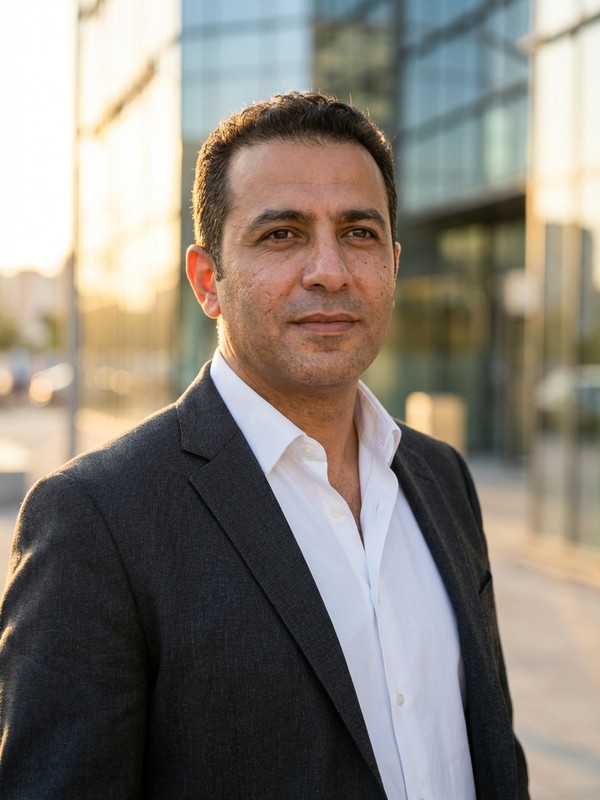
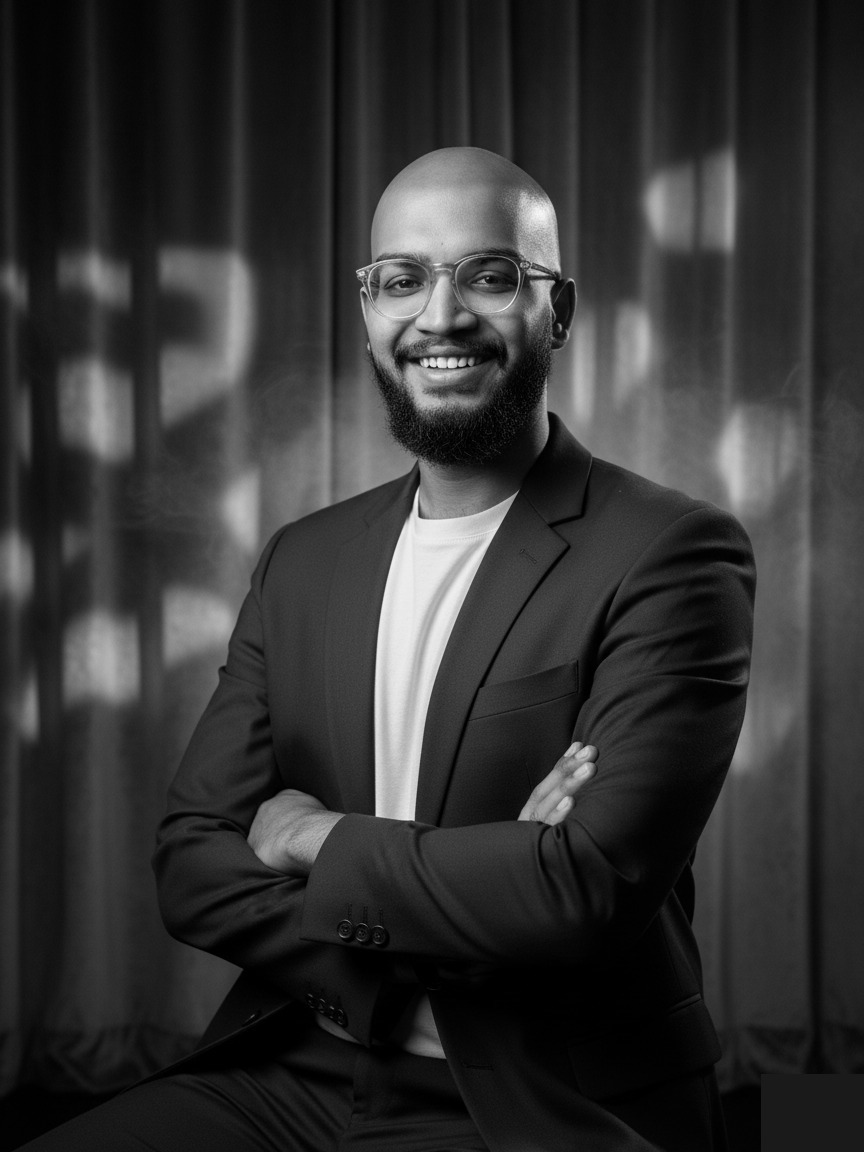
A headshot that makes the person behind the commits feel real
Software is built by people, and clients, recruiters, and teammates work better when they can put a face to a name. Get an approachable, professional portrait for your GitHub, team page, and conference bio from a few everyday photos, with photographer-led direction for a remote-first industry.
Higher-drama portrait treatment for stronger personal branding.
In a remote-first industry, your face is the whole handshake
Most software work happens out of view, in pull requests, chat threads, and video calls where the picture is often a cropped holiday photo or a cartoon avatar. That casual approach to how we show up online carries a cost. It is harder to build trust with a client you have never met in person, harder to land a job through a recruiter, and harder to be remembered on a conference panel.
A considered headshot does the same job in software that it does in any other client-facing profession. It signals that you take your work, and the people you work with, seriously, and it gives a face to the person behind the commits, which is the thing clients and teammates actually remember.
What to wear
Smart-casual works for most developer profiles. A clean shirt or knit, with or without a blazer, reads as professional without tipping into corporate. Avoid anything too informal, like a worn t-shirt or hoodie, on profiles where you are selling yourself to clients, recruiters, or a wider audience.
Backgrounds that fit
A neutral studio or a soft, modern background works best and matches the clean aesthetic of most tech product sites. A bright, modern setting also works for product-focused teams. Stay clear of anything busy, including home office clutter, which dates the photo and undercut your credibility.
Expression and tone
Approachable, genuine, and engaged. A natural smile with direct eye contact reads as the kind of person a client wants on a call or a teammate wants in a code review. Avoid a closed or over-serious expression, which lands as cold on a screen.
Where software developers actually use these
LinkedIn, X, and personal portfolio sites
GitHub, team pages, and open-source project credits
Conference bios, speaker profiles, and podcast headshots
Recruiting platforms, agency profiles, and pitch decks
Why developer teams need a portrait, not just an avatar
Team pages and About sections are how buyers, hires, and the wider community decide whether a software company feels like a place they want to work with or work for. A row of mismatched avatars and outdated photos is the easiest way to undercut that, and a consistent set of headshots is the easiest way to fix it. Portraix lets you update your own portrait whenever your look changes, align a whole engineering team to a single style, and avoid the studio day that pulls developers out of a sprint for an afternoon.
Minutes, not a studio day
Upload a few everyday photos and review a preview in about a minute. No scheduling, no travel, no half-day booked out.
Preview before you pay
See watermarked results first and only pay if they look like you and meet your professional standard. No blind purchase.
Full commercial license
Use your headshots anywhere your work takes you: profiles, websites, bios, listings, proposals, and press.
Software Developer headshots FAQ
Common questions from software developers considering AI headshots for real professional use.
Q1.Can I get a professional look without a corporate feel?
Yes. The direction is built around smart-casual styling that suits tech teams, with a clean background and a natural expression. The result reads as professional without tipping into the look a bank or a law firm would use.
Q2.Will the headshot work on dark or light UI?
Yes. The styling is designed to hold up across the kinds of places developer portraits tend to live, from light LinkedIn profiles to dark GitHub pages. Neutral backgrounds and balanced lighting keep the photo readable in either setting.
Q3.How private is the process, given how few photos I want to upload?
Your uploaded photos are used only to generate your headshots and are then auto-deleted. They are not used to train models or shared with third parties, which matters for developers who care about how their images are handled.